
Smart lab reports your patients understand and your doctors remember.
Turn the same approved results into a branded report with a beautiful cover, your pathologist's photo, the tests inside and a QR code to the online copy. Pick from 16 designs; ClinikPe fills in every report automatically.
- Your logo & colours
- Doctor photo on the cover
- QR to the online report
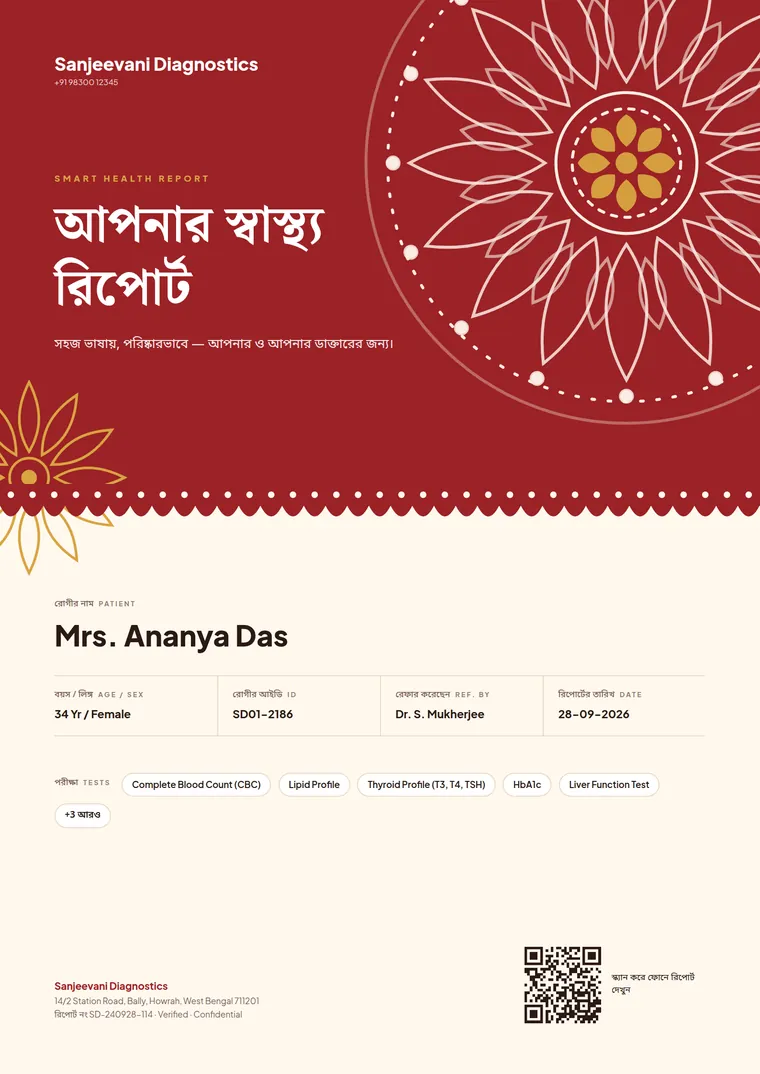
- Bengali & English
Drag to compare the same results
See the whole report, not just the cover
This is the same set of results as a plain lab report, laid out as a Smart Report: six pages your patient can read and your referring doctor can scan in seconds.
What is a smart lab report?
A smart lab report is a pathology report designed for the person reading it. It opens with a branded cover page, presents results in a clear and consistent layout, and ends with a closing page, while every value comes straight from the results your team has approved.
Most lab software prints the same plain table for every patient. The report is the one thing from your lab that the patient keeps and the referring doctor reads, so it should look like it came from a lab they trust. ClinikPe Smart Reporting lets you choose how that report looks, once, and applies it to every booking.
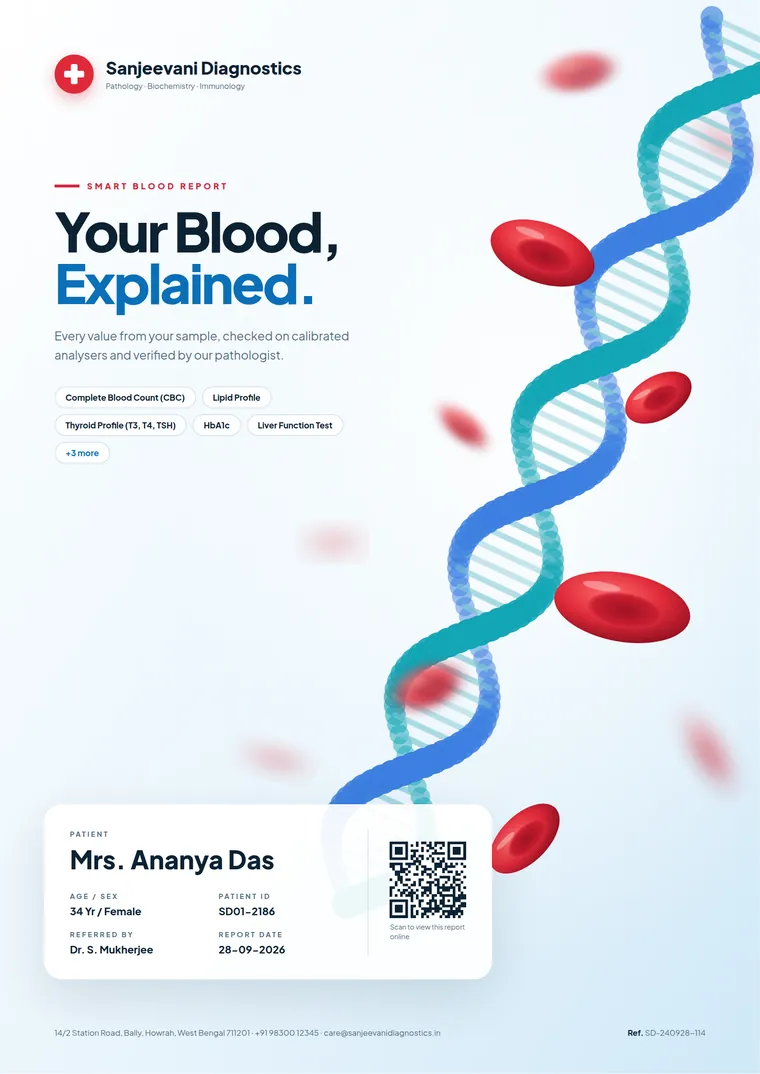
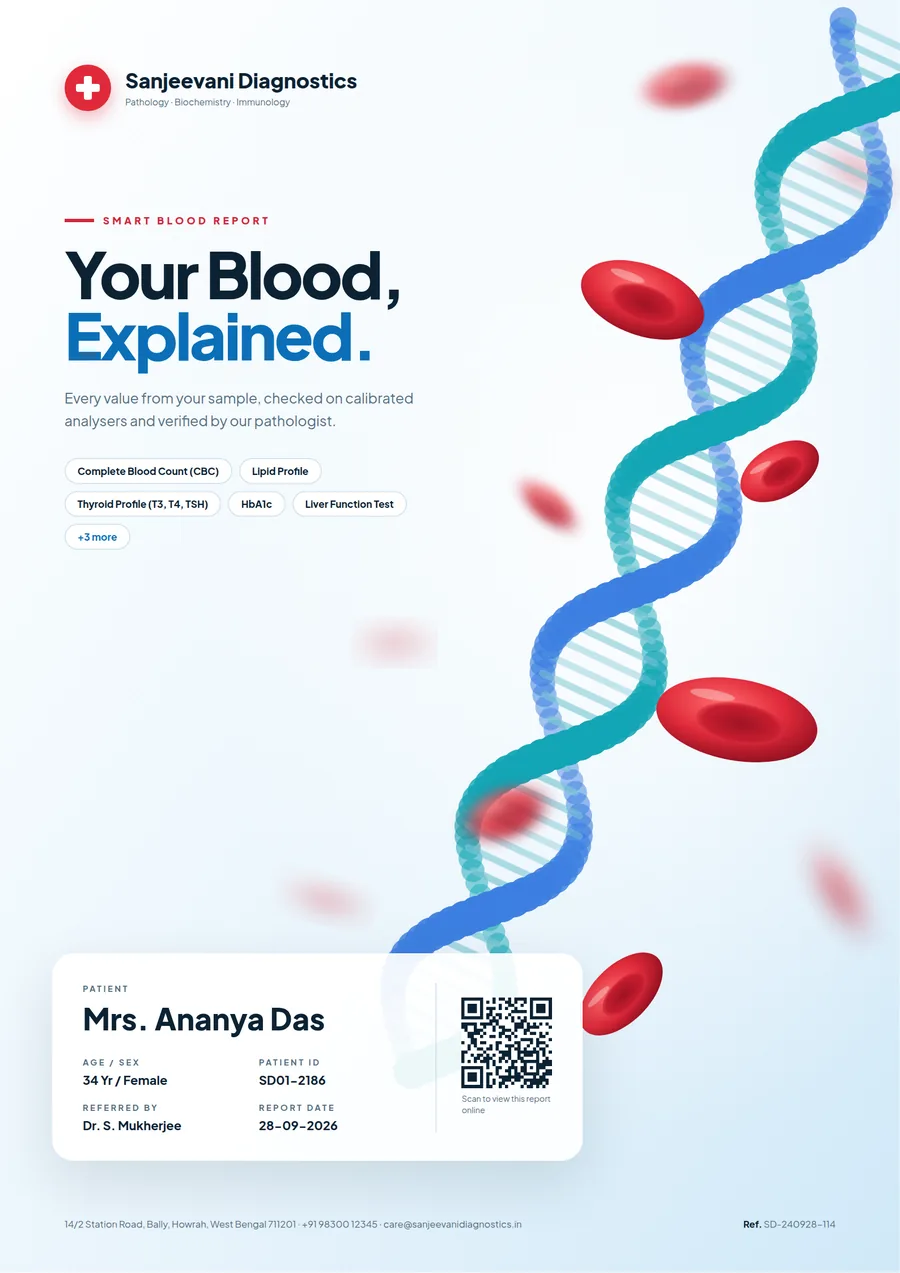
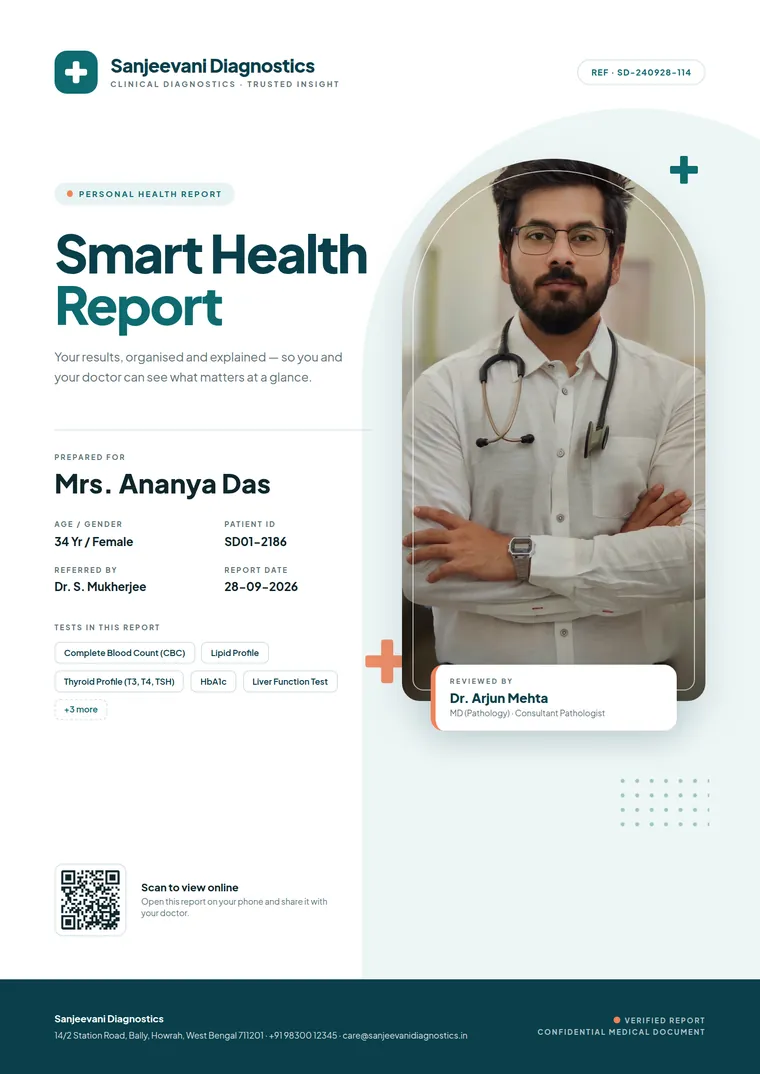
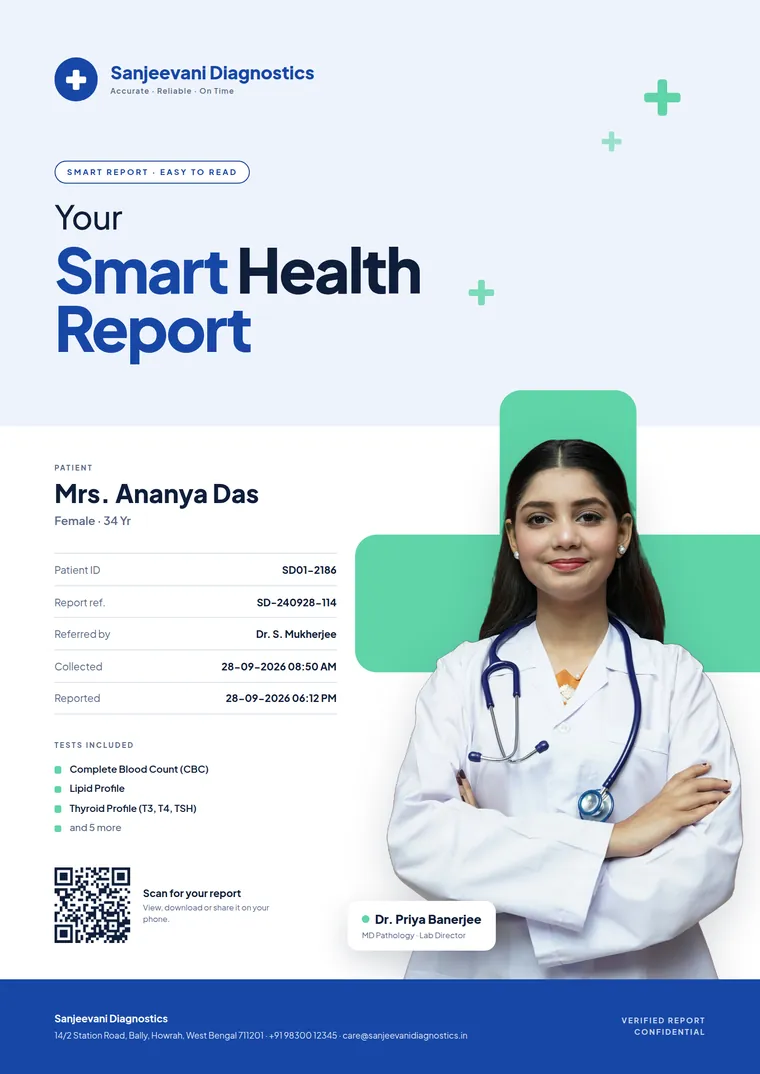
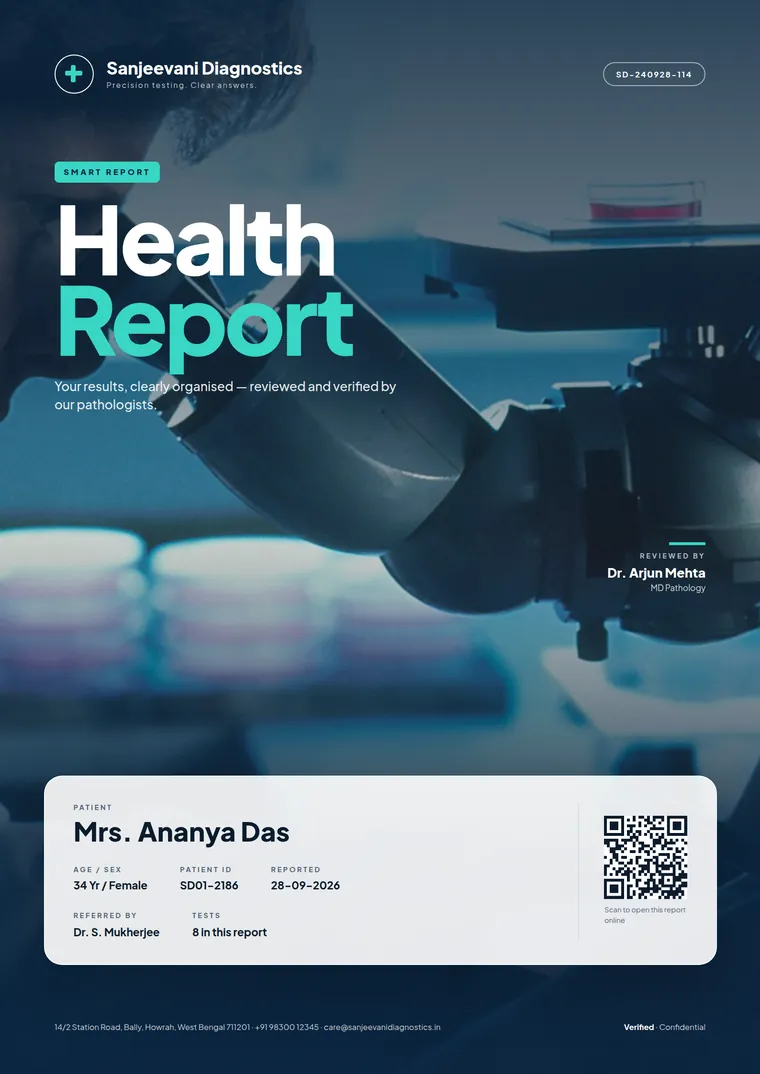
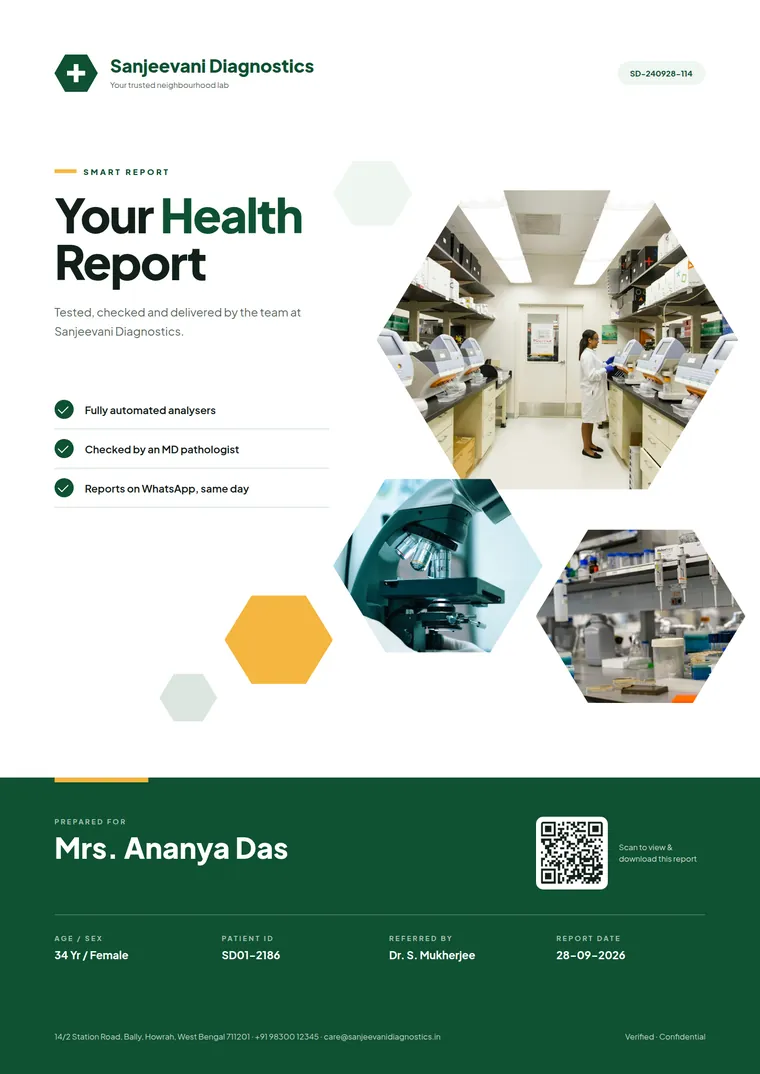
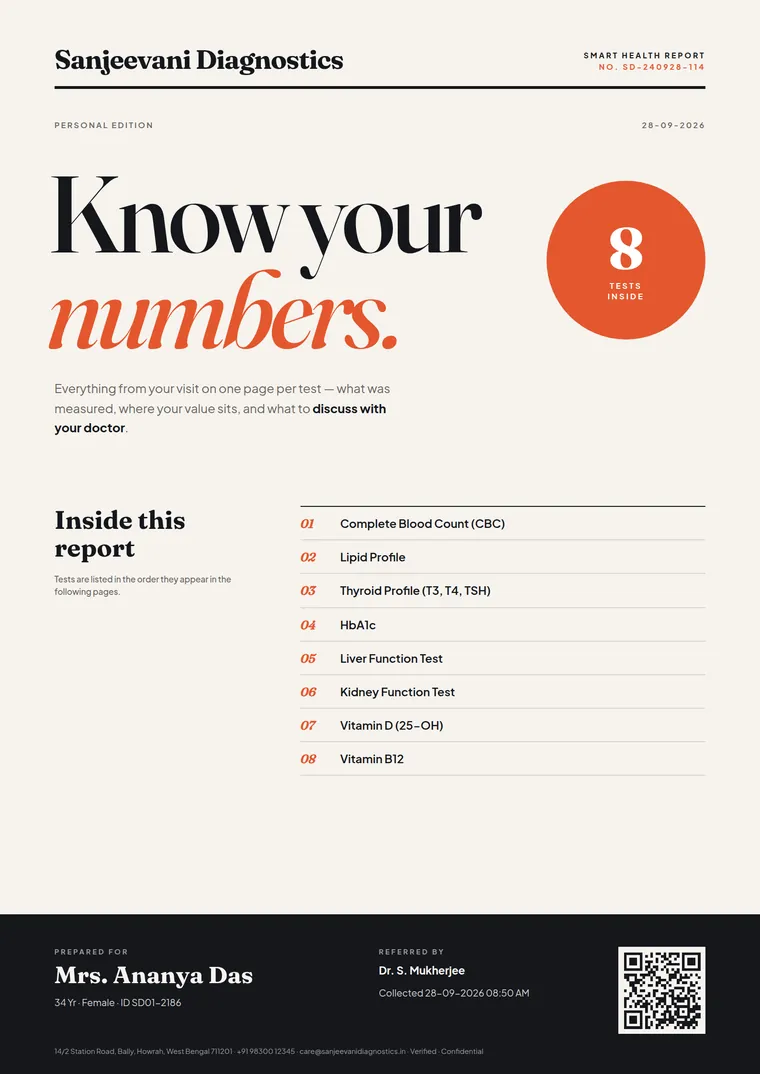
A cover for every lab and every package
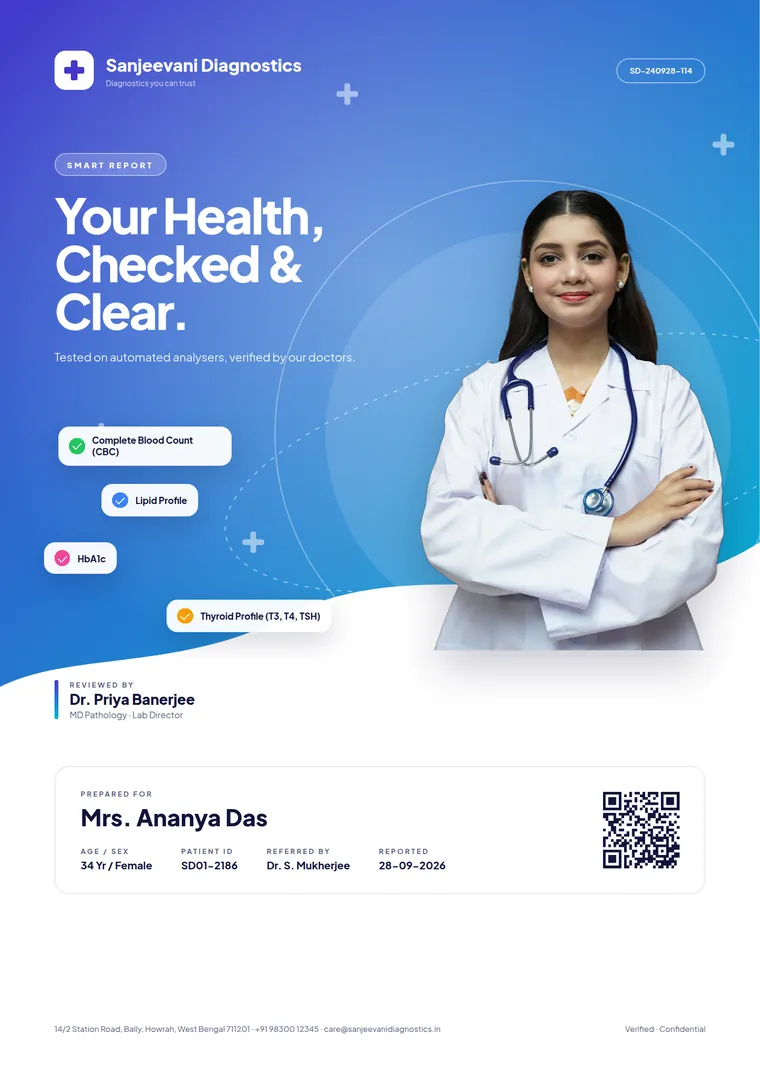
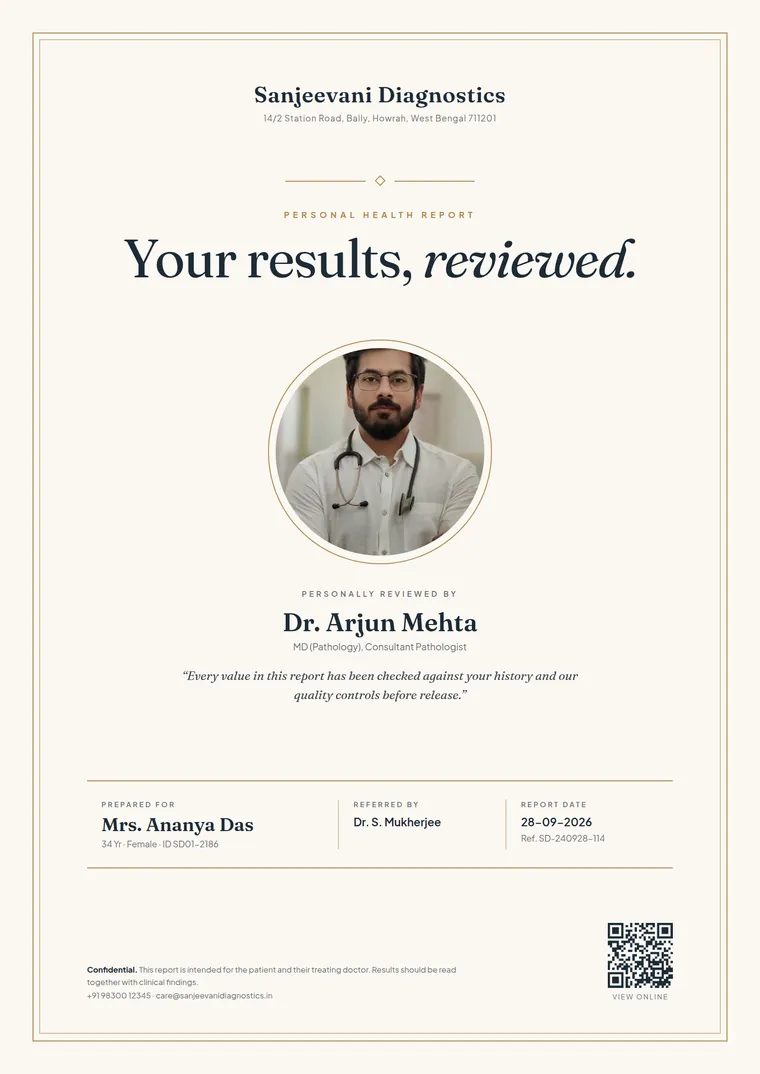
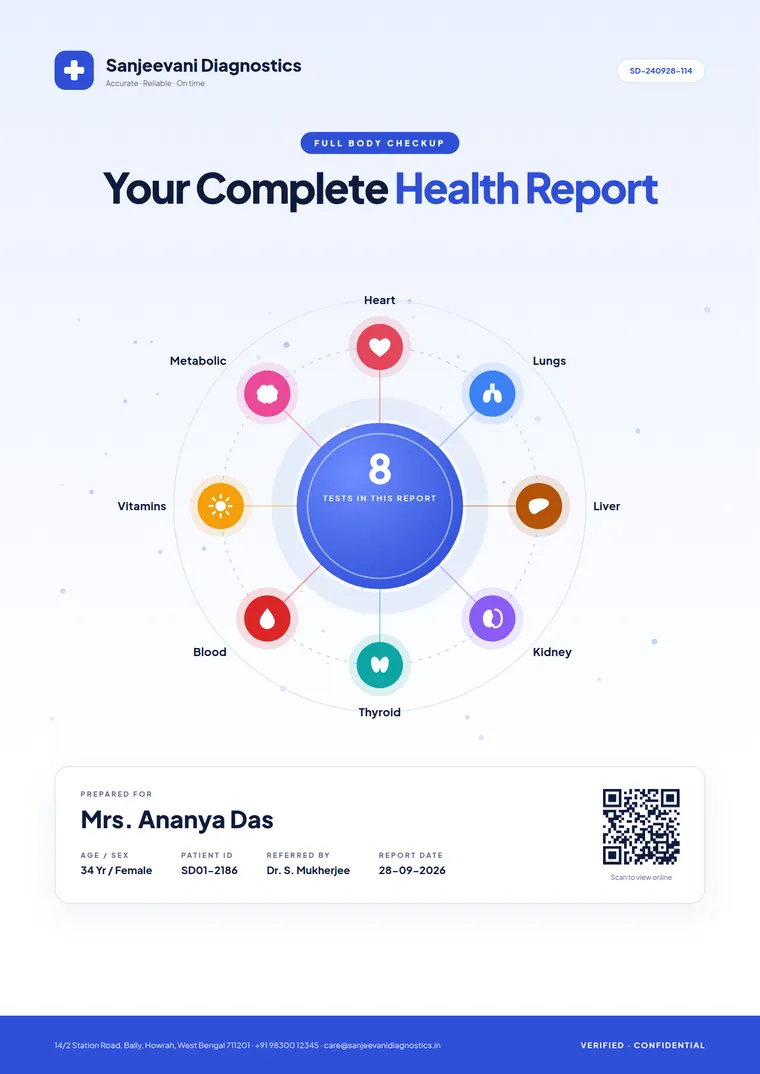
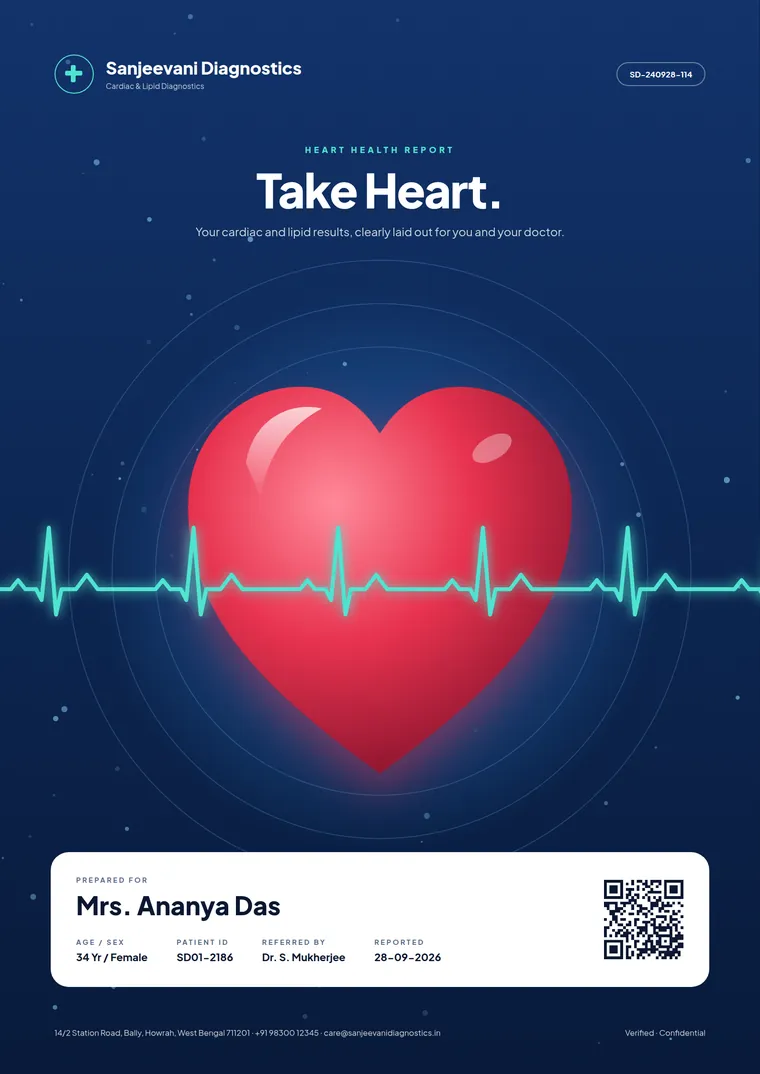
Put your pathologist front and centre, show off your facility, or give each health package its own look. Every design uses your logo, colours and real booking data.
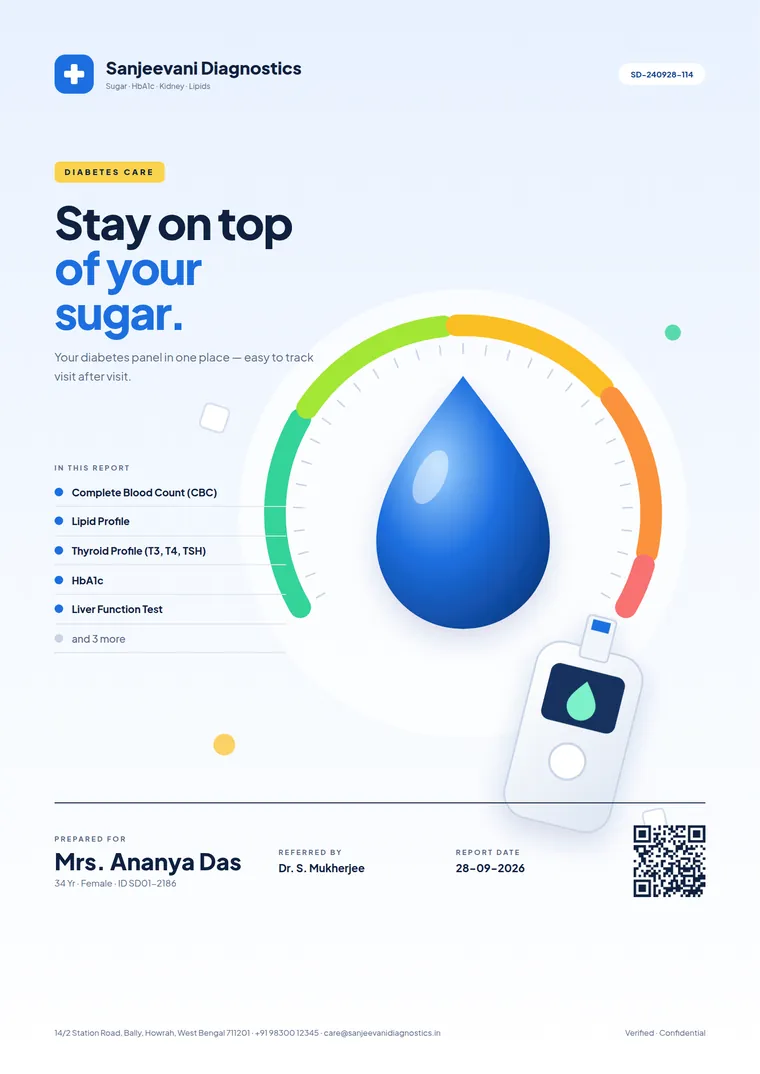
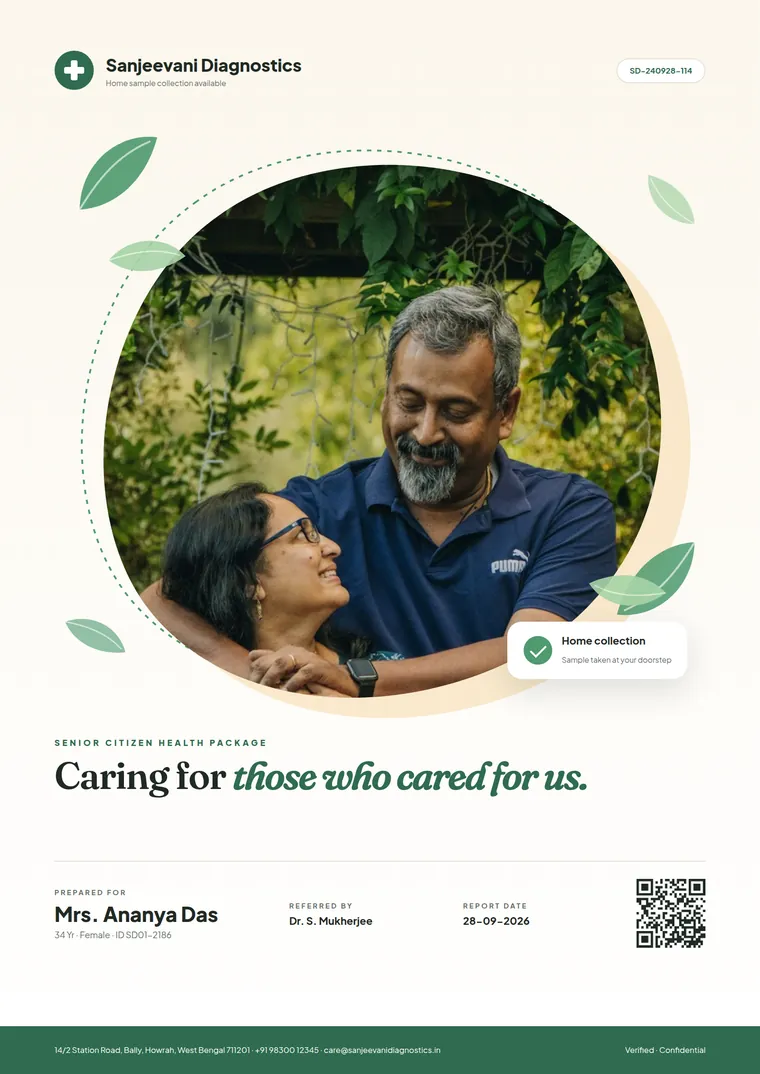
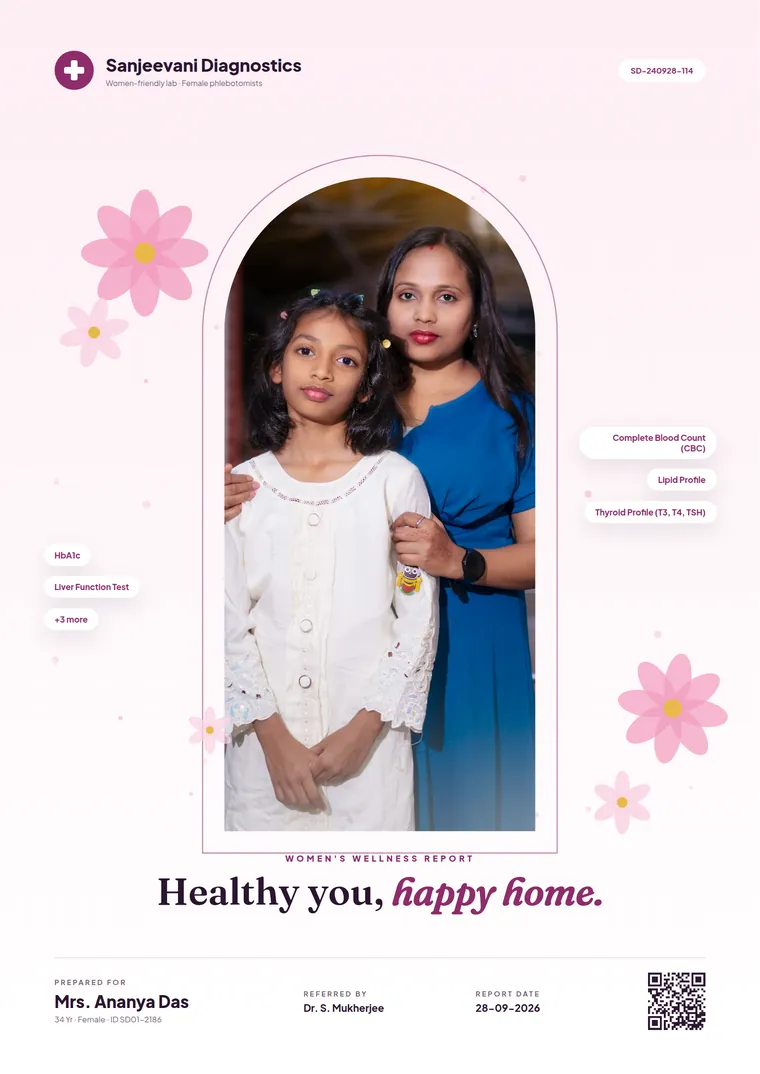
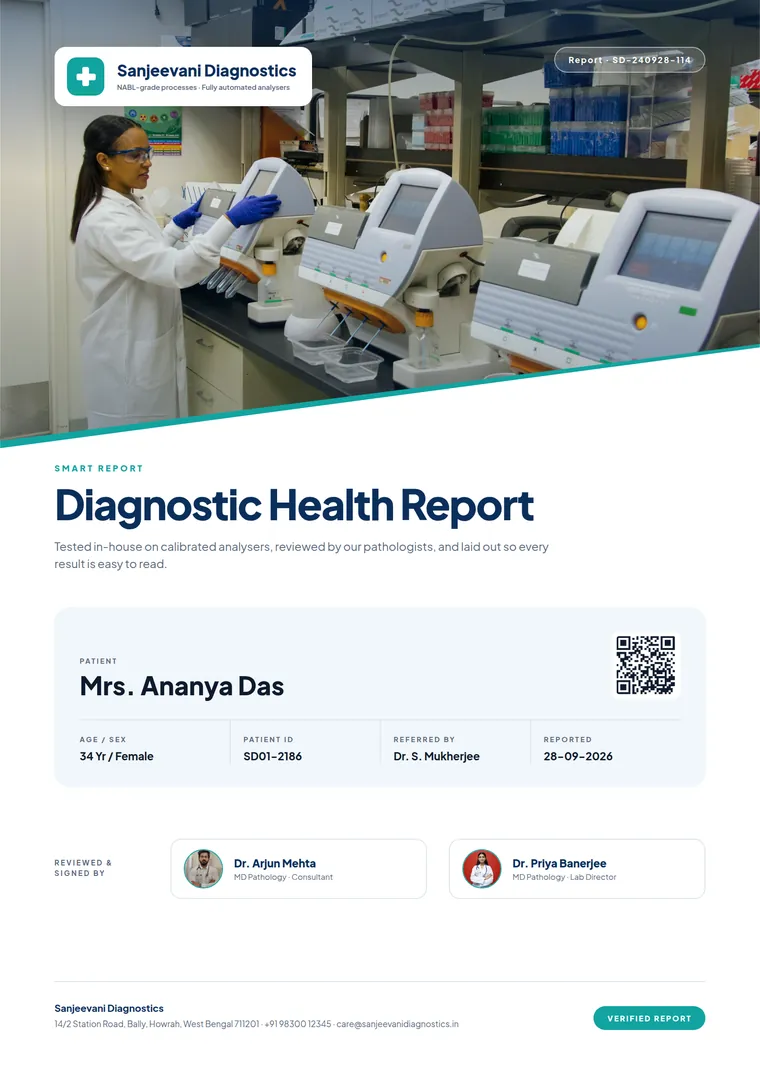
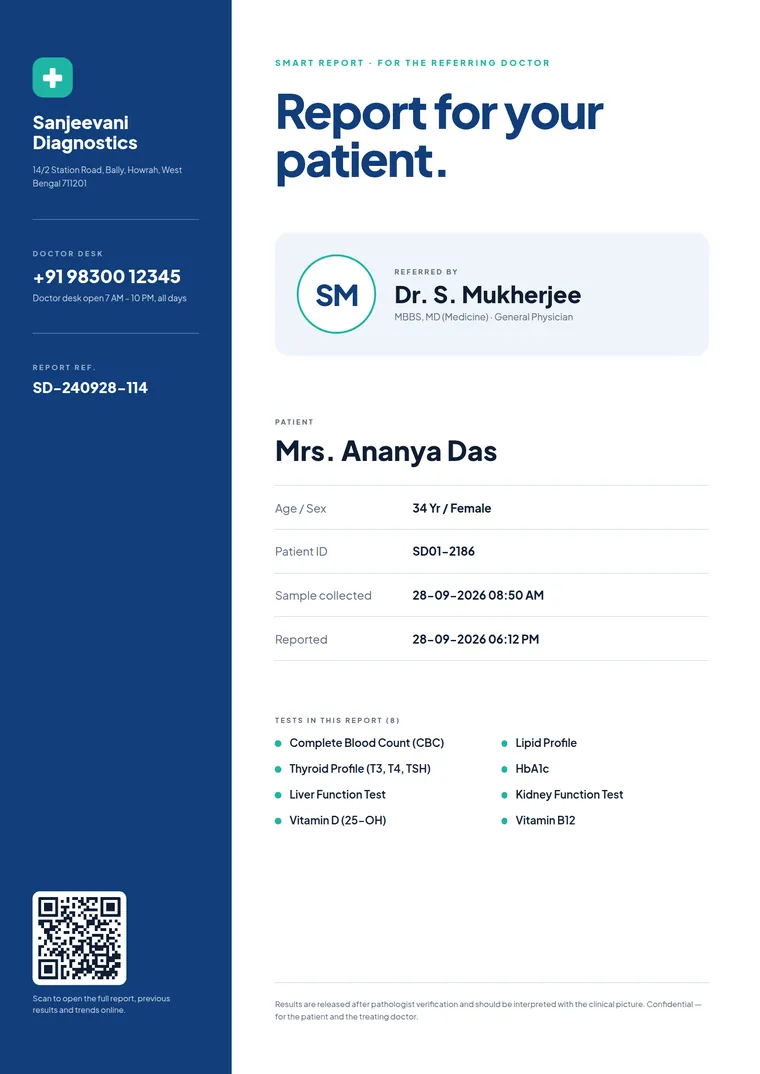
Every part of the report, not just the letterhead
Cover page
Choose one of 16 designs or build your own. Patient, booking, referring doctor and tests fill in from each booking.
Header & footer
Your logo, NABL line, address and page numbers on every result page, set once.
Result pages
Clean tables with units, methods and reference ranges, grouped test by test as your team approves them.
Watermarks & overlays
Add a watermark, stamp or background layer under or over every page, such as a NABL mark or a "duplicate copy" stamp.
Show-when rules
Show a section only when it applies, for example a cover for packages or a note for one department.
Closing page
End with your signatories, sample-collection numbers, or a thank-you and a reason to come back.
Set it up once. Every report follows.
Choose a cover
Start from one of the 16 designs in the Smart Reporting template editor.
Add your brand
Upload your logo and doctor photos to Media, set your colours, and watch the live preview update.
Approve results as usual
Nothing changes for your technicians. Results are entered and approved the way they are today.
Deliver everywhere
The same branded PDF prints at the counter, goes out on WhatsApp, and opens from the QR code.
Your report is your best salesperson
A patient keeps the report. A referring doctor reads dozens a week. A good-looking, easy-to-read report is the cheapest brand-building a lab can do.
Doctors see your name on every file
The Referring Doctor Edition puts the doctor's name and your doctor-desk number on the cover, so your lab stays top of mind.
Fewer "what does this mean?" calls
A clear cover and consistent layout help patients find their results without phoning the counter.
Premium packages look premium
Use the Reviewed By cover for full-body and wellness packages, so the report matches the price.
Smart report vs a plain lab report
| What the reader gets | Plain PDF report | ClinikPe Smart Report |
|---|---|---|
| First page | Straight into a results table | A branded cover with patient, tests and QR |
| Your brand | Logo in the header | Logo, colours, lab photos and doctor photos |
| Who checked it | A signature at the end | Pathologist name and photo on the cover |
| Online copy | Sent separately, if at all | QR on the cover opens the report on the phone |
| Language | English only | Bengali-first bilingual cover available |
| Copies for doctors | Same as the patient's | A doctor edition with your doctor-desk number |
| Changing the design | Ask the vendor | Edit it yourself with a live preview |
Questions labs ask about Smart Reporting
What is a smart lab report?
A smart lab report is a pathology report laid out for the reader: a branded cover page with the patient's details and a QR code to the online copy, clearly organised result pages, and a closing page. The values come straight from your approved results; only the presentation changes.
Does Smart Reporting change any test results?
No. Smart Reporting only controls how approved results are presented. Values, units and reference ranges come directly from the results your team has entered and approved in ClinikPe.
Can we put our own doctor's or pathologist's photo on the cover?
Yes. Upload the photo to Media in ClinikPe, paste its link into the cover's settings, and add the doctor's name and qualification. Several covers are designed around a doctor photo; others use your lab's own photos or no photo at all.
Can the report cover be in Bengali or Hindi?
Yes. Templates support Unicode text, and ClinikPe includes a Bengali-first bilingual cover. The same approach works for Hindi and other Indian languages.
How do patients receive the smart report?
The same branded PDF is printed at the counter, sent on WhatsApp through ClinikPe's report delivery, and linked from the QR code on the cover so patients can open it on their phone.
Which ClinikPe plans include Smart Reporting?
Smart Reporting is available for diagnostic labs on ClinikPe. Book a free demo and we will show it on your own letterhead and suggest the plan that fits your lab.
See your next report with your own cover
Send us your logo and a doctor photo. In the demo we will show Smart Reporting on your lab's real report format.
Support: +91 82829 65699 · support@clinikpe.com